Introduction to Microsoft Forms is a beginner-friendly course designed to help learners understand the fundamentals of creating surveys, quizzes, and feedback forms using Microsoft Forms.
Through a structured series of lessons, the course introduces key concepts such as form creation, question types, response collection, and real-time data analysis. Learners will also explore topics such as quiz setup, scoring and feedback, branching logic, multimedia integration, and theme customization to create professional and engaging forms.
Designed for educators, business professionals, researchers, and anyone interested in gathering insights efficiently, this course provides a practical introduction to the tools and concepts needed to start building and managing digital forms with Microsoft Forms.
By the end of the course, learners will have a foundational understanding of how Microsoft Forms works and how it can be used to collect data, assess knowledge, and drive informed decision-making.
ABOUT THE FACILITATOR
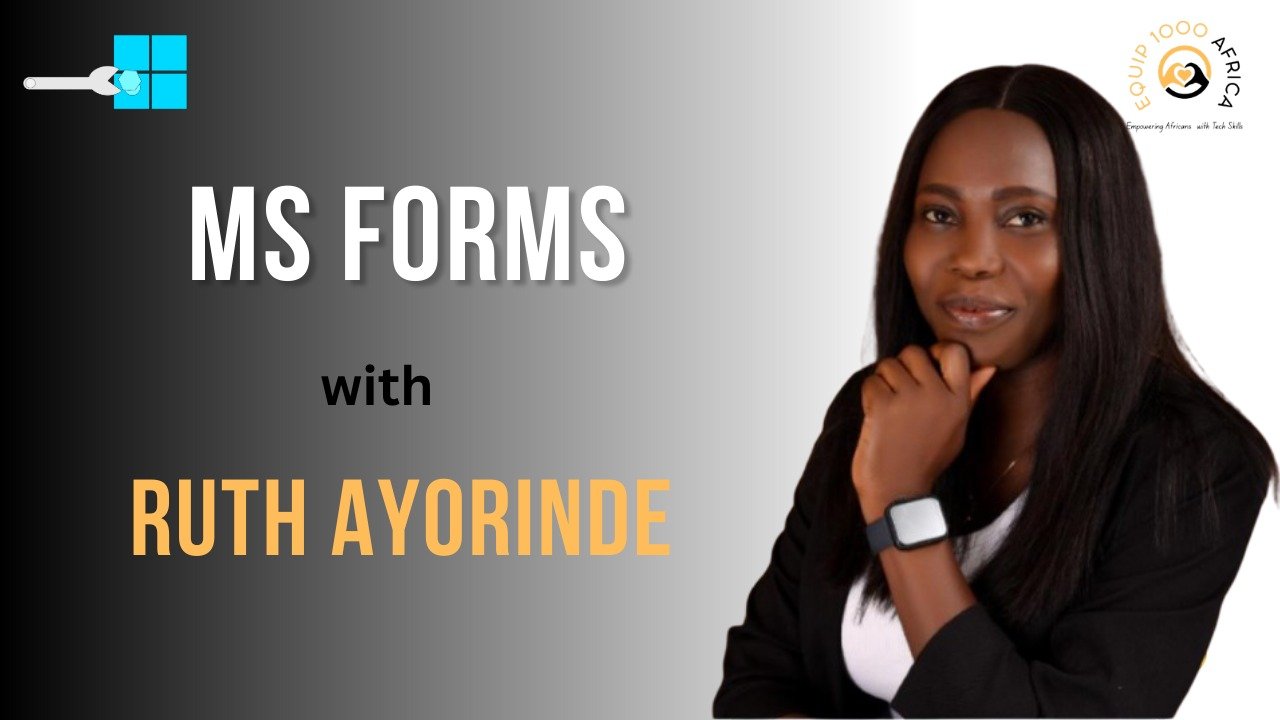
Ruth Ayorinde is a digital productivity specialist and instructional designer focused on helping individuals and organizations leverage technology for efficient data collection and workflow improvement. Her professional interests include digital tools, survey design, data analysis, and process optimization, with a particular focus on platforms like Microsoft Forms for building practical data-gathering solutions.
Her LinkedIn activity suggests a strong interest in connecting business and educational needs with technology, rather than treating digital tools as technology for its own sake.
She also appears to approach problems from a user-centered perspective, looking at how data collection, analysis, and decision-making can work together more effectively. Overall, Ruth can be described as a technology and productivity professional who helps organizations rethink and streamline the way they gather and use information.


Course Name: Introduction to Microsoft Forms
Difficulty Level: Beginner
Facilitator: Ruth Ayorinde
Course Duration: 112 Minutes 42 Seconds
Lesson 1 – Creating MS Form/Survey
Duration: 6 Minutes 01 Seconds
This lesson introduces Microsoft Forms and guides learners through the process of creating their first form or survey. Participants will learn how to access the platform, add questions, and configure basic settings for response collection.
Lesson 2 – Exploring Question Styles
Duration: 6 Minutes 05 Seconds
This lesson covers the various question types available in Microsoft Forms. Participants will learn how to use multiple choice, text, rating, date, and ranking questions to suit different data collection needs.
Lesson 3 – Creating a Quiz
Duration: 3 Minutes 36 Seconds
This lesson focuses on setting up quizzes in Microsoft Forms. Participants will learn how to add questions, assign points, and configure quiz-specific settings for assessments and knowledge checks.
Lesson 4 – Setting Up Scoring & Feedback
Duration: 4 Minutes 25 Seconds
This lesson explores how to automate scoring and provide instant feedback to respondents. Participants will learn how to assign correct answers, set point values, and customize feedback messages for each question.
Lesson 5 – Exploring Branching for Quiz
Duration: 6 Minutes 32 Seconds
This lesson introduces branching logic to create personalized quiz experiences. Participants will learn how to direct respondents to different questions based on their answers for adaptive assessments.
Lesson 6 – Adding Multimedia Elements (Images, Videos) to Forms
Duration: 12 Minutes 31 Seconds
This lesson covers how to enrich forms with multimedia content. Participants will learn how to insert images and videos to make questions more engaging and visually appealing.
Lesson 7 – Creating Section Headers and Description for Clarity
Duration: 12 Minutes 31 Seconds
This lesson focuses on organizing forms using sections and descriptions. Participants will learn how to group related questions, add instructional text, and improve form readability and flow.
Lesson 8 – Introduction to Question Logic
Duration: 12 Minutes 31 Seconds
This lesson dives deeper into advanced question logic. Participants will learn how to set conditional rules, hide or show questions based on previous answers, and create dynamic, responsive forms.
Lesson 9 – Utilizing Theme & Background
Duration: 12 Minutes 31 Seconds
This lesson covers form customization using themes and backgrounds. Participants will learn how to apply color schemes, upload custom images, and brand their forms for a professional and cohesive look.
Number of Lessons/Videos: 9
Smartphone, Tablet, or Laptop
Internet Connectivity
This course is designed for educators, trainers, business professionals, researchers, and anyone who wants to create effective surveys, quizzes, and feedback forms using Microsoft Forms. It is also suitable for beginners with no prior experience, as well as those looking to enhance their skills in digital data collection and form automation.