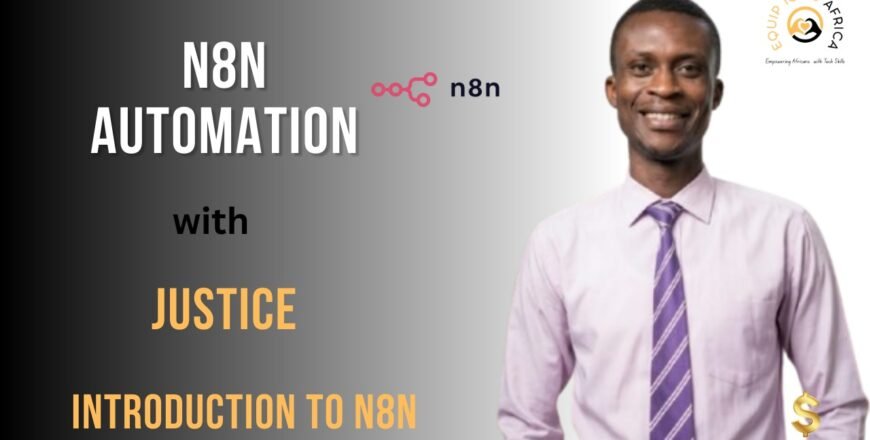
Introduction to N8n is a beginner-friendly course designed to help learners understand the fundamentals of workflow automation using N8n.
Through a structured series of lessons, the course introduces key concepts such as workflow automation, navigating the N8n interface, creating workflows, working with data, managing triggers, and connecting multiple applications through automation.
Learners will also explore topics such as conditional logic, building more reliable automations, and adding decision-making processes to workflows.
Designed for anyone interested in learning automation, this course provides a practical introduction to the tools and concepts needed to start building automated processes with N8n.
By the end of the course, learners will have a foundational understanding of how N8n works and how automation can be used to streamline tasks and workflows.
ABOUT THE FACILITATOR
Justice is an automation architect and business analyst focused on using technology to improve organizational processes and workflows. His professional interests include workflow automation, organizational design, systems thinking, and business process improvement, with a particular focus on tools such as n8n for building practical automation solutions.
His LinkedIn activity suggests a strong interest in connecting business needs with technology rather than treating automation as technology for its own sake.
He also appears to approach problems from a systems perspective, looking at how processes, people, and technology can work together more effectively. Overall, Justice can be described as a technology and automation professional who helps organizations rethink and automate the way they work.
Course Name: Introduction to N8n
Difficulty Level: Beginner
Facilitator: Justice
Course Duration: 75 Minutes
Number of Lessons/Videos: 9
COURSE CONTENT
1. Lesson 1 – What is Workflow Automation?
Learn the basic concepts of workflow automation and understand how automated processes can help streamline tasks and activities.
2. Lesson 2 – Understanding the N8n Interface
Explore the N8n workspace and become familiar with the key components and features used to build workflows.
3. Lesson 3 – Your First Real Workflow
Follow a practical introduction to creating a workflow and understanding how automated processes are structured within N8n.
4. Lesson 4 – Triggers Deep Dive
Learn about workflow triggers and how automations can be initiated based on specific events or actions.
5. Lesson 5 – Working with Data
Gain an understanding of how data is handled within workflows and how information moves between automation steps.
6. Lesson 6 – Mastering Multi-App Automation
Discover how workflows can connect multiple applications to create more integrated automation processes.
7. Lesson 7 – Giving Automation a Brain
Explore ways workflows can make decisions and respond to different inputs within an automation process.
8. Lesson 8 – Building Bullet-Proof Automations
Learn approaches for creating more reliable and stable automation workflows.
9. Lesson 9 – Mastering Conditional Logic
Understand the role of conditional logic in workflows and how different outcomes can be triggered based on specific conditions.